
10 Best Free Obby Games
Discover ten free obby games you can play in your browser, plus practical tips for jumps, checkpoints, camera control and two-player obstacle courses.
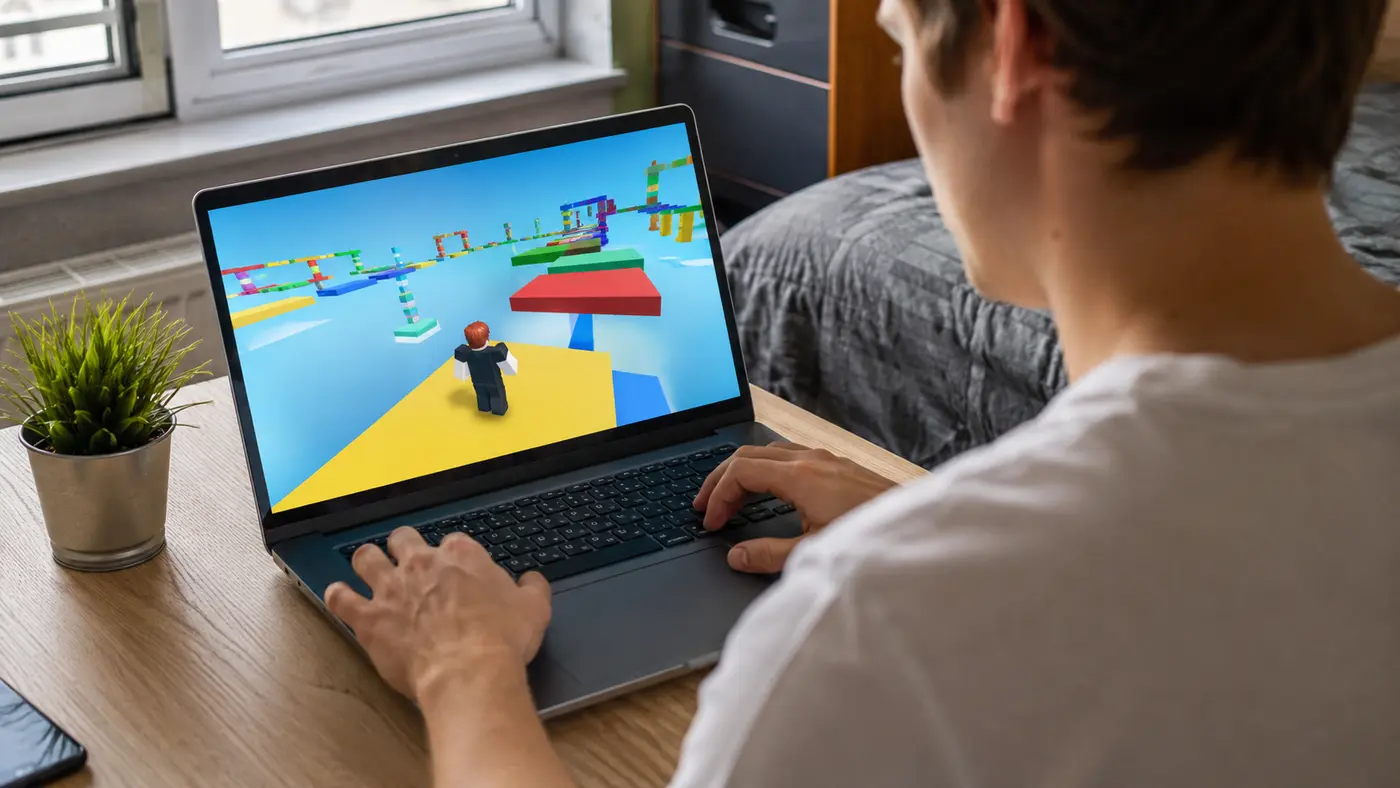
Free obby games turn a simple idea—reach the end without falling—into a surprisingly varied test of timing, movement and patience. Some courses use bright floating platforms, while others add moving traps, disappearing floors, speed sections or two-player puzzles. The best part is that a browser obby starts in seconds and needs no large download.
This guide highlights ten obby-style games currently available on AllThings Games. The selection is drawn from our live catalog, so every card below leads to a game page you can open and test immediately.
 Human Gun! GameKids · Play free
 Only Up! ParkourKids · Play free
 Gun Up Weapon ShooterShooting · Play free
 Cool Escape Obby ManAdventure · Play free
 Natural Disaster Survival ObbyAdventure · Play free
 Color Race ObbyRacing · Play free
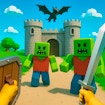 Obby & Dead RiverAdventure · Play free
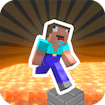 ParkourCraftAction · Play free
 Tiger RunAdventure · Play free
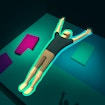 Flip Trickster - Parkour SimulatorSports · Play free
What makes a good obby game?
A strong obstacle-course game teaches its movement rules quickly. The first jumps should give you time to learn acceleration, camera movement and the distance of a normal leap. Later stages can become difficult, but the challenge should come from readable obstacles rather than unclear controls.
Checkpoints are also important. A fair checkpoint lets you repeat the section that caused the mistake instead of replaying the entire level. Good obbies gradually combine skills: a rotating platform may be followed by a narrow beam, then a moving wall that requires careful timing.
Variety keeps a course interesting. Look for games that mix precision jumps, balance sections, moving hazards and short speed challenges. Two-player obbies add communication because both players may need to wait, press a switch or choose separate routes.
How to get better at obby games
- Learn the jump distance. Use the first safe platform to see how far the character travels with a short press and a full running jump.
- Move the camera before jumping. A clear side or slightly raised angle makes the landing zone easier to judge.
- Aim for the center. Landing near an edge gives you less room to stop and prepare for the next obstacle.
- Watch one full cycle. Before entering a moving trap, observe how it moves from start to finish.
- Use short corrections. Tapping a movement key is often safer than holding it when crossing a narrow beam.
- Pause after repeated falls. A short break can restore the timing and concentration that frustration removes.
Keyboard, mouse and mobile controls
Most desktop obbies use WASD or the arrow keys for movement. The space bar usually jumps, while the mouse may rotate the camera. If the camera feels too sensitive, make smaller mouse movements and keep the character near the middle of the screen.
On a phone or tablet, use landscape orientation when possible. A wider view gives both thumbs more space and shows more of the next platform. Mobile controls vary between games, so test the first section before starting a difficult run. If precise diagonal jumps feel unreliable on touch controls, a keyboard may provide better accuracy.
Solo obbies versus two-player obbies
Solo courses are ideal for practising at your own pace. You can repeat a jump, study a trap and improve your best run without waiting for another player. Two-player courses are better when you want cooperation or friendly competition.
Before a shared-keyboard game begins, check which keys belong to each player. Place the device on a stable surface and make sure both players have comfortable hand positions. In cooperative stages, agree who will move first and call out hazards instead of rushing ahead. You can find more shared-screen choices in our multiplayer games collection.
Are free obby games suitable for beginners?
Yes, as long as the first levels provide space to learn. Beginners should start with colourful platforms and visible checkpoints rather than a course built around very small landing zones. Finishing a short course is more encouraging than getting stuck on an extreme first stage.
Younger players may enjoy the problem-solving side of obbies, but an adult should still test unfamiliar games and supervise online activity. Game difficulty, advertising and external content can change. Our kids games page offers more options with simple controls.
Final tips
The fastest route is not always the best route. Consistent landings, a helpful camera angle and patient timing will usually beat constant rushing. Start with one of the ten games above, learn its movement rules, and focus on improving one difficult section at a time. When you want a different challenge, browse more adventure games or action games that play directly in your browser.
 NewPlay
 NewPlay
 NewPlay
 NewPlay
 NewPlay
 NewPlay