
Best Free Multiplayer Browser Games to Play With Friends
Find free multiplayer browser games for friends, with practical advice for shared keyboards, online matches, teamwork, fair play and device setup.
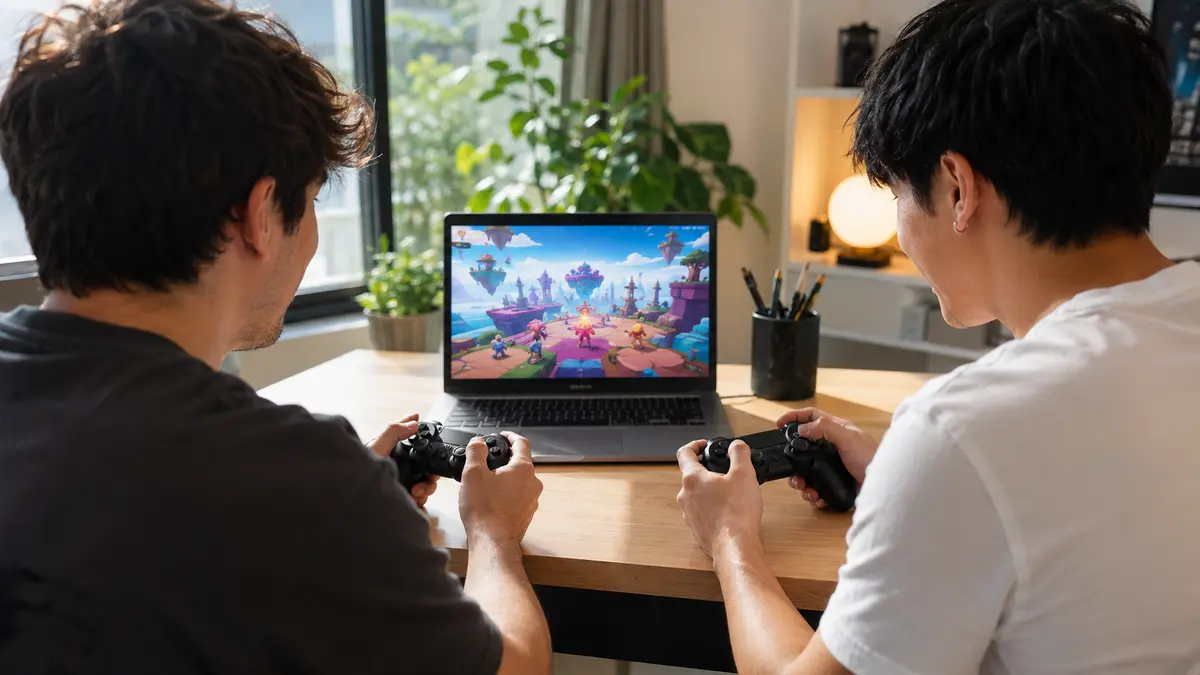
Multiplayer browser games make it easy to turn a short break into a shared challenge. Two people can compete on one keyboard, friends can compare scores, and teams can cooperate without waiting for a large installation. The best choice depends on who is playing, which devices are available and whether the group wants cooperation or competition.
The live game cards below come from the multiplayer section of AllThings Games. Open a card to check its controls and decide whether it suits local, turn-based or online play.
 Dama StarsMultiplayer · Play free
 Obby +1 Double JumpMultiplayer · Play free
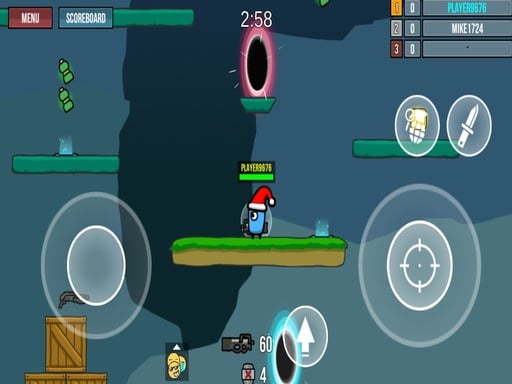 Funny War 2DMultiplayer · Play free
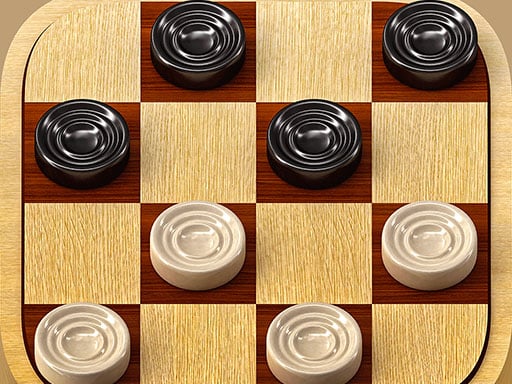 Dames Online EliteMultiplayer · Play free
 Poker (Heads Up)Multiplayer · Play free
 Head Soccer - Jeu de football à 2 joueursMultiplayer · Play free
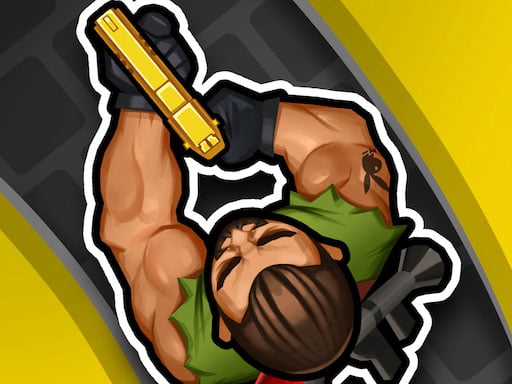 Hunter Assassin 2Multiplayer · Play free
 FNF Music Battle: Original ModMultiplayer · Play free
 Monster Truck 2 PlayersMultiplayer · Play free
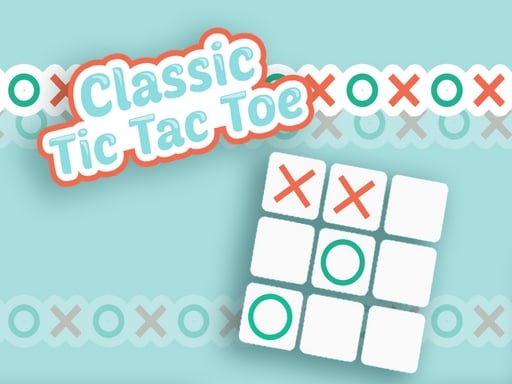 Classic Tic Tac ToeMultiplayer · Play free
Choose the right kind of multiplayer game
Local shared-screen games are played on one computer or tablet. They start quickly and work well for siblings or friends in the same room. Check the controls first: one player may use WASD while the other uses the arrow keys.
Online multiplayer games connect players through the internet. They may use public matchmaking or private rooms. Use a nickname that does not reveal personal information, and never share a password, school, address or precise location with strangers.
Turn-based games let players alternate moves or attempts. They are comfortable on a phone because two pairs of hands do not need to cover the screen. Puzzle and score-chasing games can become multiplayer activities even when they do not include a special two-player mode.
Cooperative games give everyone a shared objective. Players may need to activate switches, protect the same goal or finish an obstacle course together. Communication and patience are more important than individual speed.
A quick setup checklist
- Read the control guide before the first round.
- Put a shared device on a stable surface with enough room for both players.
- Use headphones only when they do not prevent players from communicating.
- Choose short rounds when the group has limited time.
- Test the connection before beginning an online match.
- Agree on who can invite other players or open external links.
On a compact laptop keyboard, some combinations of keys may not register together. If one player cannot move while the other presses several keys, change the control keys when the game allows it or choose a turn-based title. On mobile, landscape orientation usually gives touch buttons more room.
Cooperative versus competitive play
Cooperative games are a good starting point when players have different experience levels. A more confident player can explain a mechanic, but should avoid taking control of every decision. Let each person try, make mistakes and contribute to the plan.
Competitive games are most enjoyable when the rules feel fair. Play a short practice round, switch sides after several matches and avoid judging the entire game from one result. A best-of-three series gives both players time to learn.
Good sportsmanship includes accepting a loss, avoiding insults and stopping when someone is no longer having fun. The purpose of a multiplayer session is not only to win; it is to create an experience that everyone would like to repeat.
Staying safe in online matches
Use the game only when its chat, account and advertising are appropriate for the players. Younger users should have adult guidance before joining public rooms. Mute or report harassment instead of arguing, and leave any conversation that asks for private information or directs you to an unfamiliar website.
Do not download unknown files or install browser extensions to join a match. A browser game should normally run on its own page. If a school, workplace or family network blocks a service, follow the administrator’s rules rather than trying to bypass them.
Keep the session comfortable
Fast matches can encourage players to continue longer than planned. Decide the number of rounds or an end time before starting. Take movement and eye breaks, keep drinks away from the keyboard and stop if repeated tapping becomes uncomfortable.
For more shared challenges, browse multiplayer games. The sports games and racing games sections also contain short competitive titles that can work well for score comparisons and friendly rematches.
Start with one live pick above, test the controls together and choose a format that fits the group. A simple, fair game with clear controls will usually create a better multiplayer session than a complex game nobody understands.
 NewPlay
 NewPlay
 NewPlay
 NewPlay
 NewPlay
 NewPlay