
Best Online Games for Kids
A practical guide to choosing fun online games for kids, with browser game recommendations and simple advice about age, privacy, ads and screen time.
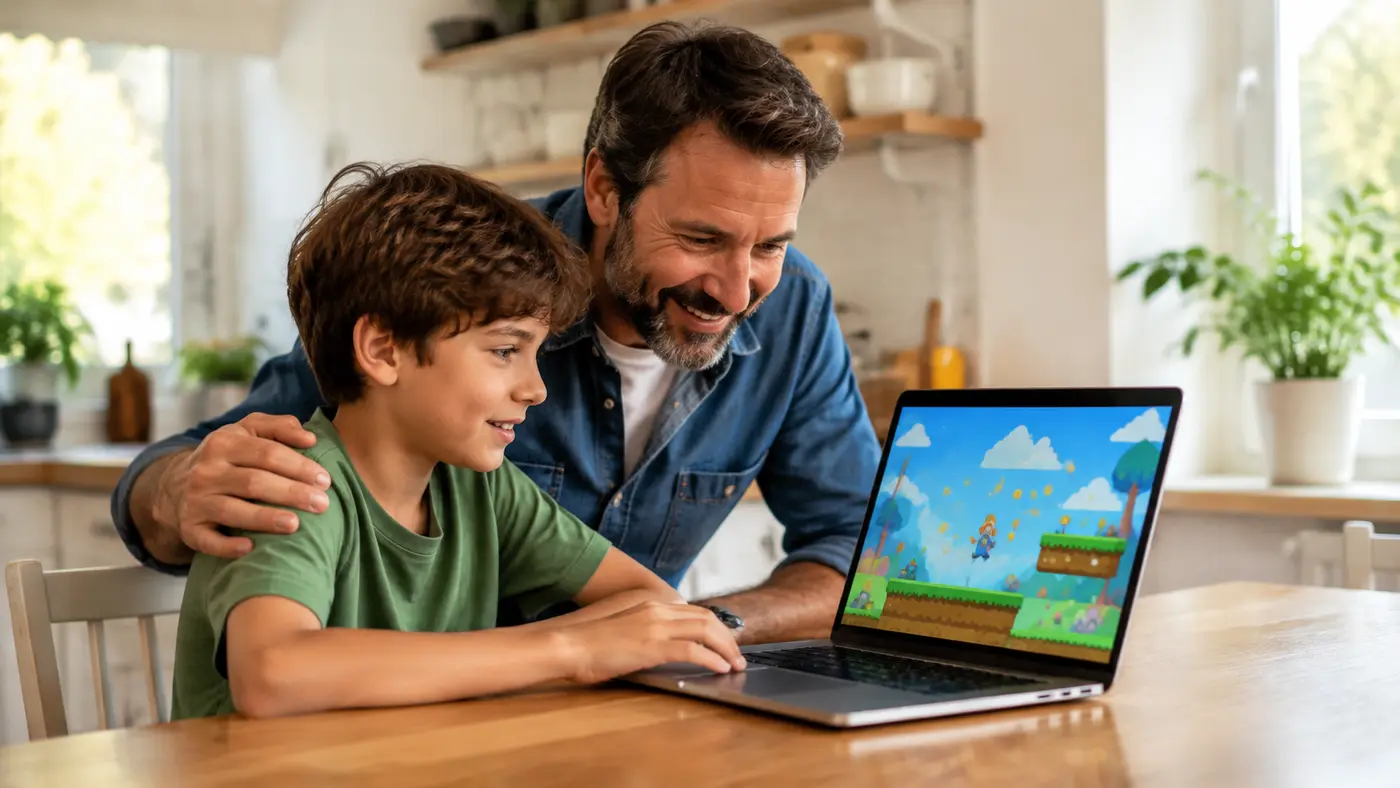
The best online games for kids are easy to understand, comfortable to control and appropriate for the individual child. A colourful thumbnail can attract attention, but parents and guardians should also consider the game’s theme, reading level, advertising, difficulty and privacy. Spending a few minutes testing a new browser game can prevent confusion later.
The live selection below comes from the Kids category on AllThings Games. Availability can change, so an adult should still review any unfamiliar game before a younger player starts.
 Dance Master MatKids · Play free
 Merge Defense: Pixel BlocksKids · Play free
 Rescue Dog WebKids · Play free
 Happy Filled Glass 3 GameKids · Play free
 Shooting Cannon: Merge DefenseKids · Play free
 Human Gun! GameKids · Play free
 Fancy Pants AdventureKids · Play free
 Deliver All PuzzleKids · Play free
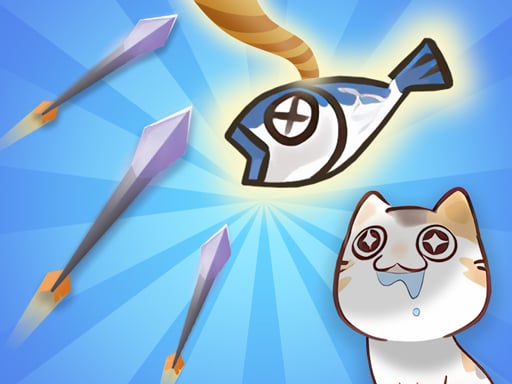 Super Archer: CatkeeperKids · Play free
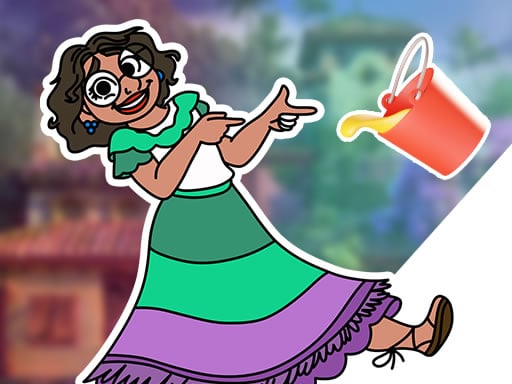 Encanto Coloring BookKids · Play free
What makes an online game good for children?
A child-friendly game should present a clear goal and explain the basic controls early. Large buttons, readable text and a forgiving first level help beginners learn without repeated frustration. Natural stopping points—such as short rounds or completed levels—also make it easier to finish at an agreed time.
Different games support different interests. Matching and jigsaw games encourage observation. Drawing and colouring activities support creativity. Simple racing and platform games practise timing and coordination. Number or word challenges can provide useful repetition when they match what a child is already learning.
Educational value is not only about school subjects. A thoughtful puzzle can practise patience, planning and flexible problem solving. A cooperative game can encourage conversation and turn-taking. The important question is not just “Is it educational?” but “What is the child doing, deciding and discussing while playing?”
A five-minute safety check for parents
- Open the game yourself and watch the first round.
- Check whether it asks for an account, personal details or payment.
- Look at the advertising and any links outside the game.
- Confirm that the controls work on the child’s device.
- Decide whether the theme and difficulty fit that particular child.
Children should not share their full name, school, address, phone number, password or precise location in a game, username or comment. Explain that an advertisement is separate from the game and that downloads, purchases and external links require adult permission.
Choosing games by age and ability
Age labels can be helpful, but they cannot replace adult judgment. Two children of the same age may have different reading skills, sensitivities and experience. Younger players usually benefit from slow instructions, large controls and unlimited time. Older children may enjoy faster reaction games or deeper puzzles, while still needing guidance about privacy, chat and advertising.
If a game causes immediate frustration, choose an easier level or a different style. A challenge should feel possible with practice. Constant failure does not teach persistence when the controls or instructions are beyond the player’s current ability.
Healthy screen-time habits
Agree on play time before the session begins. A timer and a five-minute warning are easier to accept than a sudden stop. Encourage movement, eye breaks, meals away from screens and a consistent bedtime. Gaming can be one enjoyable activity in a day that also includes school, reading, outdoor play and time with family.
The American Academy of Pediatrics encourages families to think about the quality and context of media use, not only the number of minutes. A simple family plan can define when, where and with whom games are played.
Questions to ask after a game
Conversation helps adults understand the experience and turns play into reflection. Ask:
- What was the goal?
- Which part was difficult?
- How did you solve the problem?
- Did you see an advertisement or link?
- Would you play this game again, and why?
These questions are more useful than only asking whether the child won. They reveal the game’s design, the player’s thinking and any content that needs attention.
Where to start
Choose one game from the live cards above and play the first few minutes together. You can find more options in Kids Games, including puzzles, creative activities and simple adventures. For shared play, browse multiplayer games and confirm the controls before inviting a second player.
No website can replace active supervision. Games and advertisements may be delivered by third parties and can change over time. When an activity looks broken, inappropriate or misleading, close it and report the game title through our contact page.
 NewPlay
 NewPlay
 NewPlay
 NewPlay
 NewPlay
 NewPlay