
Free Car Games Without Download
Play free car games without downloading software, from arcade races and driving challenges to parking, traffic and stunt games in your browser.
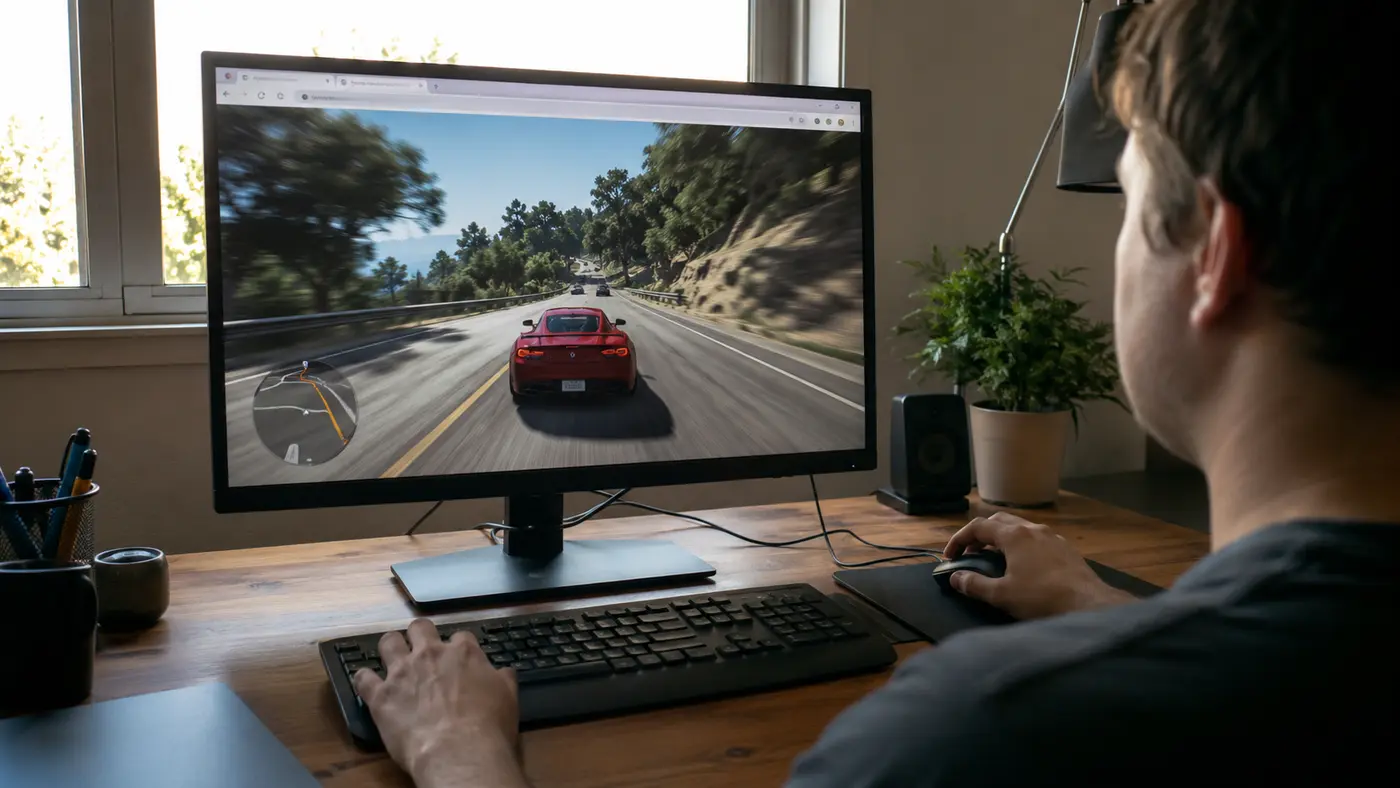
Free car games without downloads are ideal when you want a quick race but do not want to install a large app. A modern browser can run arcade racing, traffic driving, parking challenges, stunt courses and truck games in a normal tab. You can try several styles, keep the ones you enjoy and move to another game when you want a different challenge.
The cards below are selected from racing and driving games currently published on AllThings Games. They open on their own game pages and are designed to start directly in the browser.
 Shoe RaceArcade · Play free
 Epic Car: Transform RaceKids · Play free
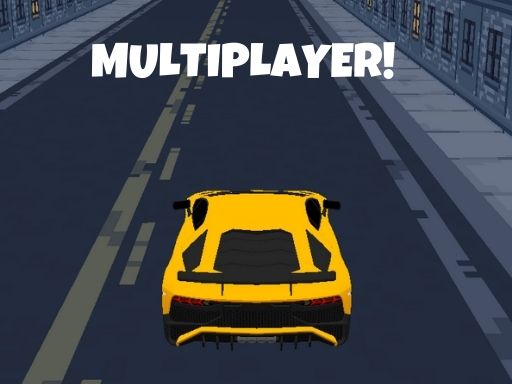 Lamborghini Driving MultiplayerMultiplayer · Play free
 Popcorn Race 3DArcade · Play free
 Formula Car Racing Games RealRacing · Play free
 Xtreme Motorbikes RiderRacing · Play free
 Drive Mad 2Racing · Play free
 GT Championship ArcadeRacing · Play free
 Stunt ExtremeRacing · Play free
 Car Real SimulatorRacing · Play free
Which kind of car game should you choose?
Arcade racing focuses on speed and simple controls. It is a good starting point if you want short events, quick restarts and forgiving handling.
Traffic driving asks you to look ahead, change lanes and avoid collisions. The goal may be distance or points rather than finishing first. Smooth steering is usually more valuable than holding the accelerator for the entire run.
Parking games reward precision. They can feel slower, but they teach you to make small corrections and understand the vehicle’s turning circle. Use the camera view that makes nearby obstacles easiest to judge.
Stunt games use ramps, loops and unusual tracks. Momentum matters, so approach a jump straight and avoid steering sharply in the air unless the game is built around tricks.
Truck and bus games often use larger vehicles with slower acceleration and wider turns. Plan earlier than you would in a small sports car.
Keyboard and mobile controls
Most browser car games use the arrow keys or WASD. The up key accelerates, down brakes or reverses, and left and right steer. Space may control a handbrake, while Shift or another key can activate nitro. Read the on-page control guide because each developer may use a different layout.
On mobile, tilt steering can feel natural but touch arrows are often more predictable. Use landscape orientation and keep your thumbs away from the center of the screen. If the car reacts late, close other tabs, pause background downloads and lower the game’s quality setting when available.
How to drive faster without crashing
- Brake before the corner, not after you are already turning.
- Look farther down the track instead of focusing only on the rear of the car.
- Use gentle steering inputs on long bends.
- Accelerate when the car is straight and stable.
- Learn one difficult corner at a time.
- Compare your own lap times instead of restarting after every small mistake.
In many arcade games, the cleanest line through a corner is faster than an aggressive drift. Drifting can help on very sharp turns, but it also removes speed and makes the exit harder to control. Test both approaches and use the one that produces a consistent result.
Do browser car games need a powerful computer?
Simple 2D and lightweight 3D games run on many ordinary laptops, tablets and phones. Detailed 3D games may need newer graphics hardware. If a game stutters, reload the page once, close heavy applications and try a different browser. Fullscreen may improve focus, although it does not automatically improve performance.
No-download means the game runs through the browser; it does not mean that no data is used. The browser still loads game files, images and possible advertising. A stable connection helps the first load finish correctly.
Are these real driving lessons?
No. Browser driving games are entertainment and often use simplified physics. They do not teach traffic law, real vehicle control or safe road decisions. Enjoy fast cars, unusual ramps and dramatic races on screen, but keep real driving rules completely separate.
Find more racing games
Start with one of the live recommendations above and give yourself a practice run before judging the handling. When you are ready for more, visit the complete racing games category. You can also explore sports games for other competitive browser challenges that work without a large download.
 NewPlay
 NewPlay
 NewPlay
 NewPlay
 NewPlay
 NewPlay