
Best Browser Games for Low-End PCs
Find lightweight browser games for older laptops and low-end PCs, plus practical steps that can improve loading, memory use and game performance.
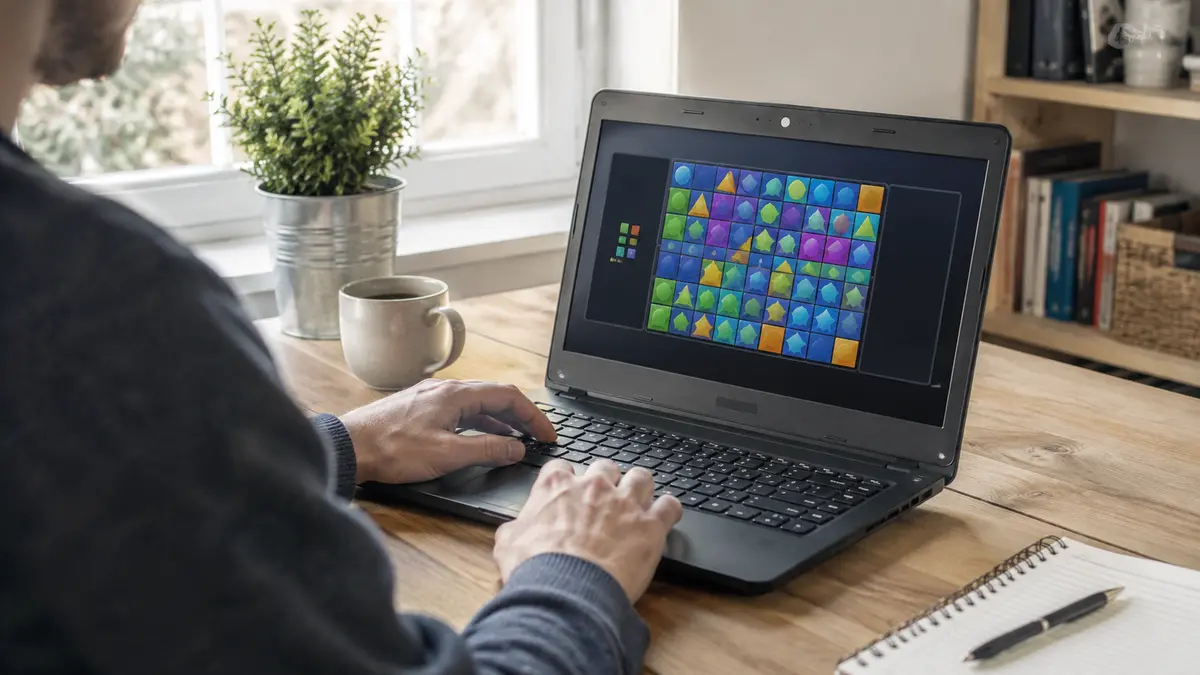
You do not need a powerful gaming computer for every enjoyable game. Many browser puzzles, card games, platformers and simple arcade challenges use modest graphics and begin without a large download. The key is choosing a game whose design matches the device and keeping the browser from wasting limited memory in the background.
The recommendations below favour puzzle and lightweight arcade formats from the live AllThings Games catalog. Performance still varies by game, browser and computer, but these are sensible places to begin.
 Difference Find Master GamePuzzle · Play free
 Word Master PuzzlePuzzle · Play free
 Fidget Toy Pop It GamePuzzle · Play free
 BTS Budgie Coloring BookPuzzle · Play free
 Cocoon CrossingPuzzle · Play free
 Sokoban MasterPuzzle · Play free
 Mini Games Brainy PrankPuzzle · Play free
 Guess Which GamePuzzle · Play free
 Flip Fork GamePuzzle · Play free
 Math BattlePuzzle · Play free
What counts as a low-end PC?
There is no single definition. An older laptop with limited memory, integrated graphics or a slower processor may struggle with detailed 3D scenes while running a simple 2D puzzle smoothly. Available resources also change: the same computer can feel much slower when many tabs, video calls or background applications are open.
Judge the experience, not only the age of the device. A suitable game should load in a reasonable time, respond to input consistently and remain readable at the screen’s normal resolution. If the fan runs loudly, the controls lag or the frame rate drops constantly, choose a lighter title.
Game types that often work well
Matching and logic games usually use a fixed board and limited animation. They are good first tests for an older computer.
Card, board and turn-based games do not depend on rapid frame rates. A short pause between actions is less disruptive than it would be in a racing game.
Simple platform and arcade games can also run well when they use clean 2D graphics. Start with one tab and avoid the highest quality setting when the game offers a choice.
Text and number puzzles require very little visual complexity and can provide a useful challenge without stressing the graphics hardware.
Improve performance before you play
- Save important work and close applications you do not need.
- Keep only the game tab and one necessary reference tab open.
- Connect the laptop to power if its battery mode reduces performance.
- Let the page and advertisement finish loading before starting the round.
- Choose a lower graphics setting or a smaller game window if available.
- Restart the browser if it has been open with many tabs for several days.
Modern browsers include resource-management features, but their menus change over time. Microsoft documents current performance features in Edge, and Firefox explains its recommended performance and hardware-acceleration settings. Keep the recommended default unless you are solving a specific problem and can reverse the change.
Connection speed versus computer speed
A slow connection and a slow computer can look similar. If the loading bar stops before the game appears, the connection or the game server may be the problem. If the game loads but movement becomes choppy during busy scenes, the device may be reaching its CPU, memory or graphics limit.
Test another simple game on the same site. If every page loads slowly, check the network. If lightweight games work but one detailed 3D title does not, choose a less demanding game instead of changing security settings.
What not to install
A normal browser game should not require a random “speed booster,” unknown extension or executable download. These tools can add advertisements, collect browsing data or make the browser less stable. Use built-in browser settings, official updates and trusted security software.
If one title fails while other games work, report the broken game and pick another from the puzzle games or arcade games collection. For a complete diagnostic order, use our guide to fixing browser games that lag or will not load.
A practical final test
Play one full round and notice three things: loading time, control delay and fan noise. A game that remains responsive without making the device uncomfortably hot is a better long-term choice than a visually impressive title that struggles every minute. Lightweight games can still offer strong puzzles, competition and replay value when the core idea is good.
 NewPlay
 NewPlay
 NewPlay